GitHub Markdown
Full GitHub-Flavored Markdown support including tables, task lists, fenced code blocks, and more.
Syntax Highlighting
Beautiful code highlighting for 190+ languages powered by highlight.js with GitHub theme.
Live Reload
Automatically refreshes the view when you save the file. No manual reload needed.
Dark Mode
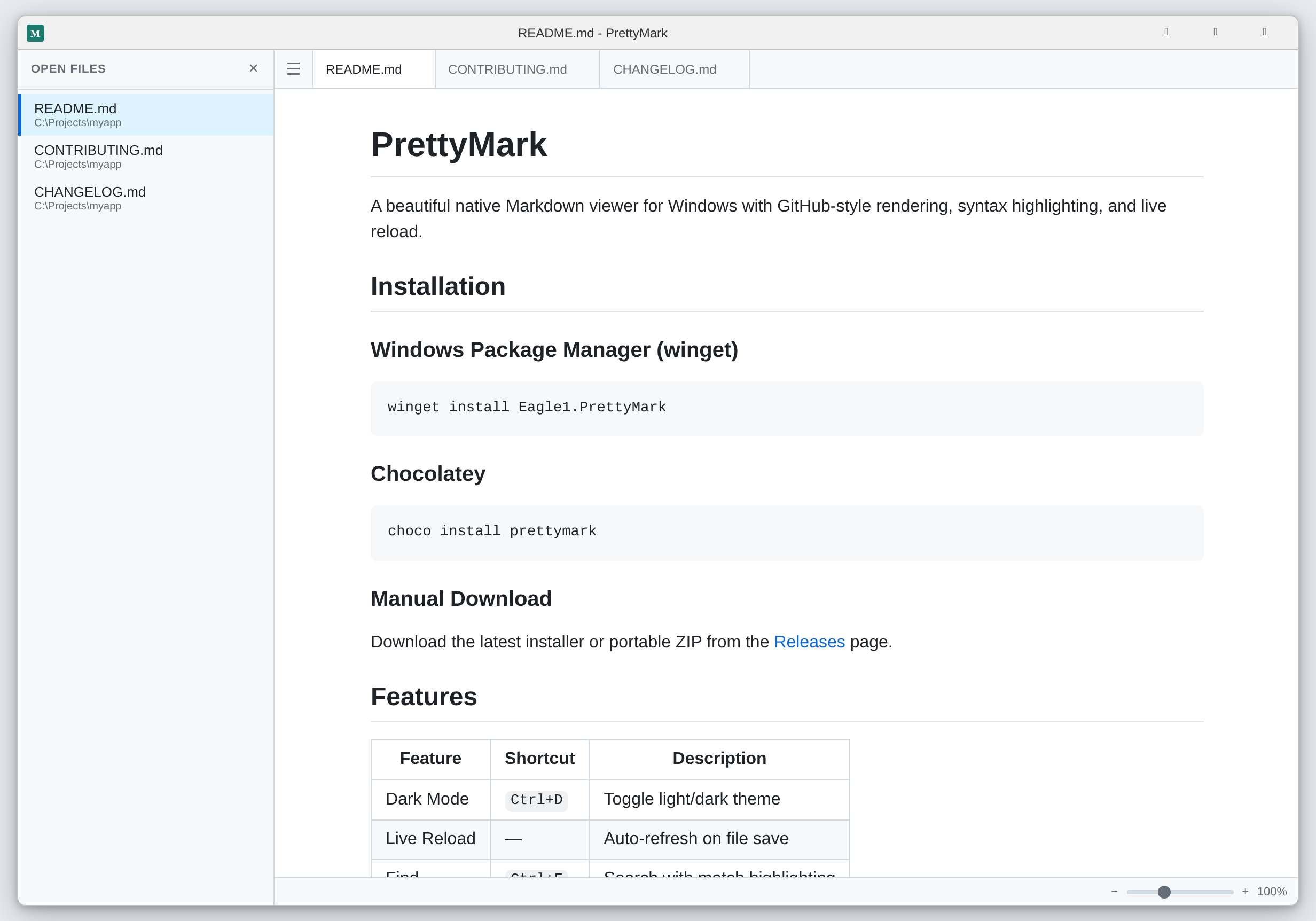
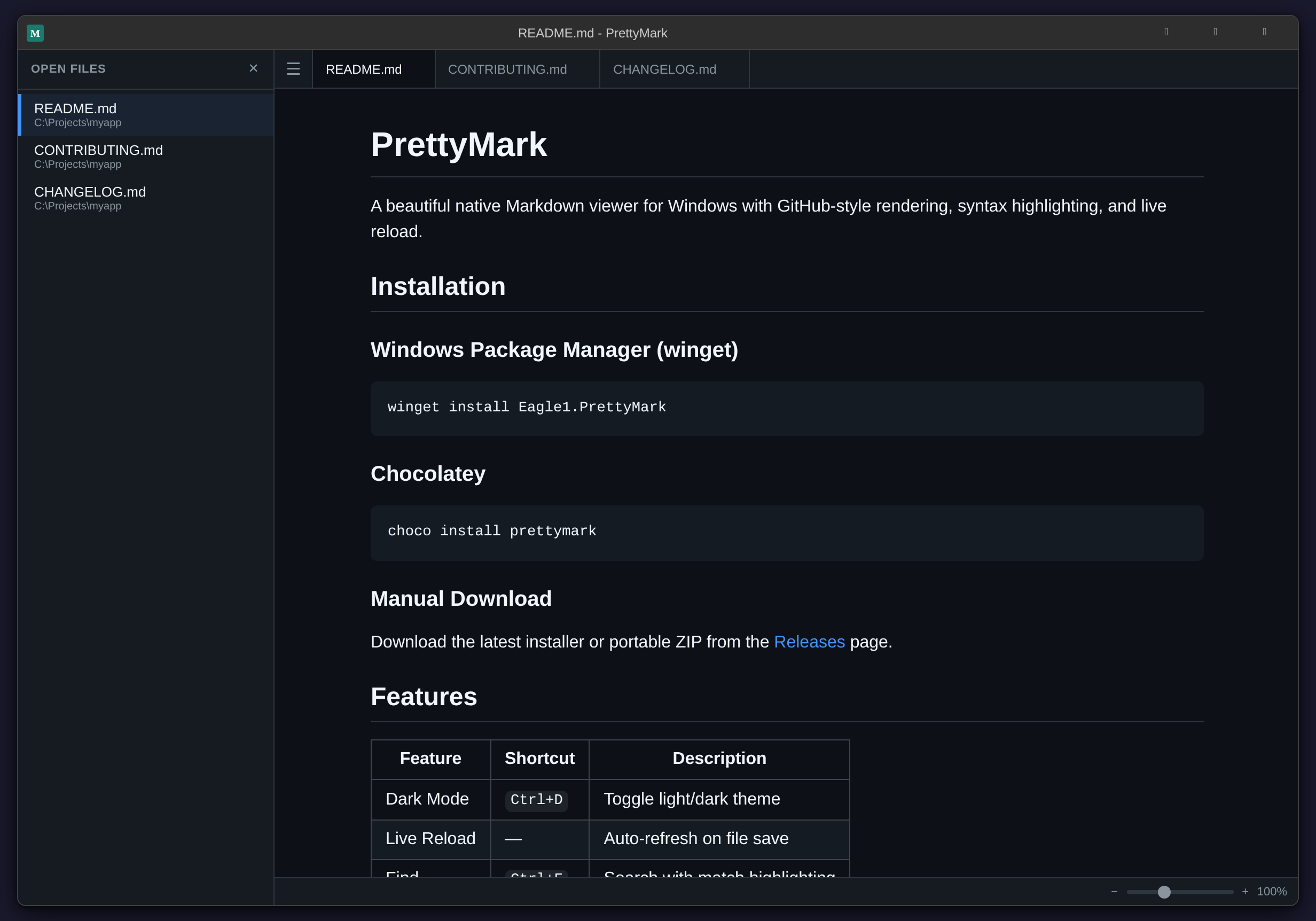
Toggle between light and dark themes with a single shortcut. Your preference is remembered.
Multi-Tab
Open multiple Markdown files simultaneously in a tabbed interface, just like your editor.
Sidebar
Collapsible sidebar drawer shows all open files at a glance. Toggle with Ctrl+B.
Drag & Drop
Drop any .md file onto the window to open it instantly as a new tab.
Find (Ctrl+F)
Instant text search with match highlighting, counter, and keyboard navigation.
Print
Clean print output via Ctrl+P. Hides all UI chrome and formats content for paper.
Recent Files
Quick access to your last 10 opened files from the File menu. Persisted across sessions.
Session Restore
Reopens all your tabs and active file exactly where you left off on next launch.
Multi-Language
Interface translated in 12 languages with auto-detection of your system language.